
Sahi Is Now on Mac & Windows

SAHI
We’ve added another way to access Sahi. You can now use the platform directly from your Mac or Windows desktop through the official app stores.
This means you no longer need to rely only on the mobile app or browser you can choose whichever device is more convenient at any given time.
The desktop app gives you the same functionality you already use on mobile and web ,with a few practical advantages:
-
Access to Your Setup – Watchlists, scanners, and positions are available the moment you log in.
-
Trading from Charts – Enter and exit trades directly from the chart view.
-
Real-Time Updates – Live prices, order execution, and notifications just like on mobile.
-
Automatic Sync – Your layouts and preferences stay consistent across all devices.
-
Better Performance on Lower-End Systems – The app is optimized to run smoothly even on basic hardware.
-
Runs in the Background – Keep Sahi open while working on other applications.
-
Direct Access – Launch Sahi like any other desktop app, without opening a browser and typing in a URL.
The desktop app can be useful in situations where:
-
You want a larger view of charts and scanners
-
You use a multi-monitor setup for analysis
-
You want a faster start-up experience compared to opening a browser tab
Of course, you can continue using the mobile app as your primary trading tool if that works better for you this update is simply about giving you more flexibility.
-
Open the Mac App Store
-
Search for “Sahi”
-
Tap Get to instal
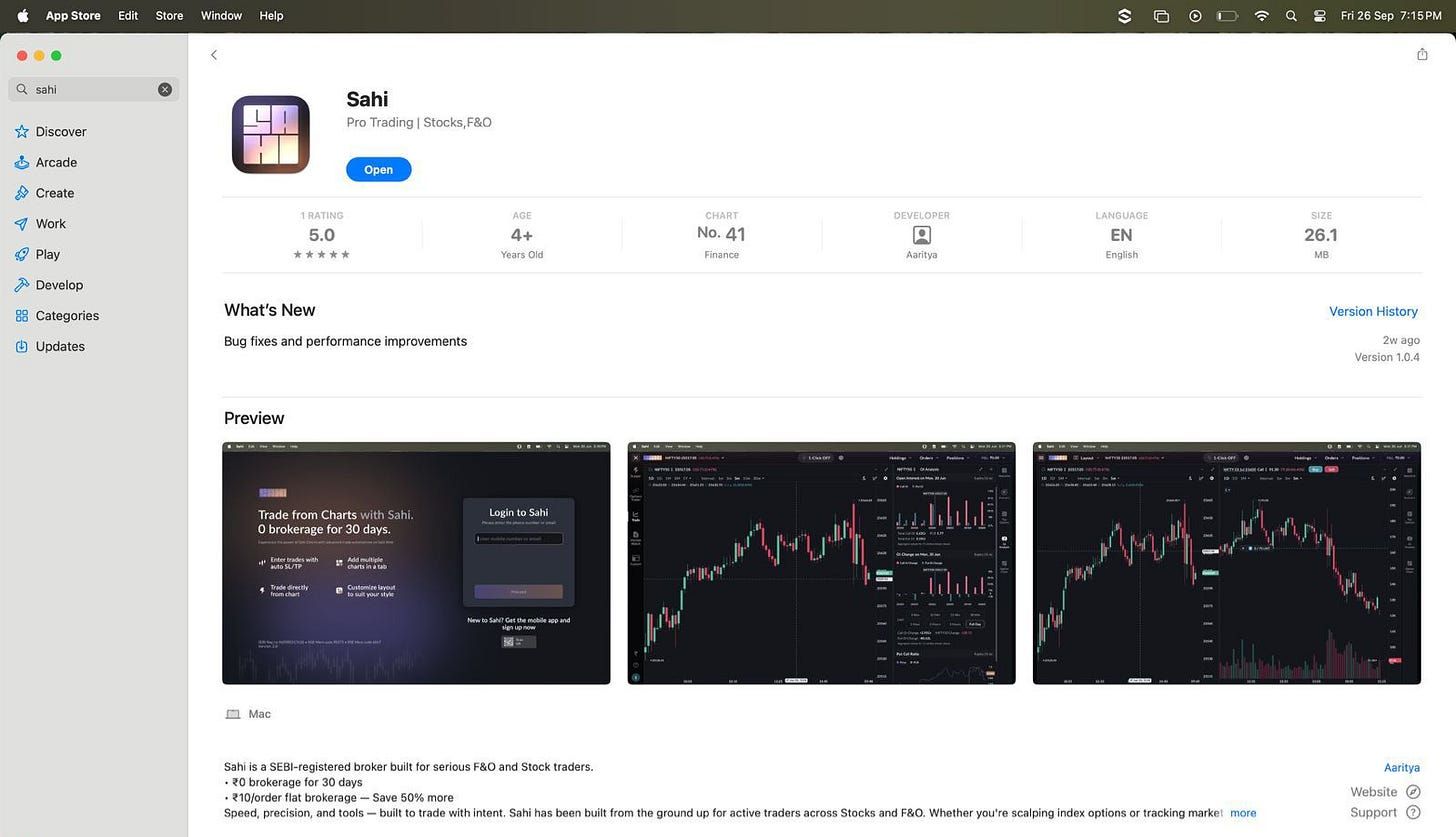
l
-
Open the Microsoft Store
-
Search for “Sahi”
-
Click Install
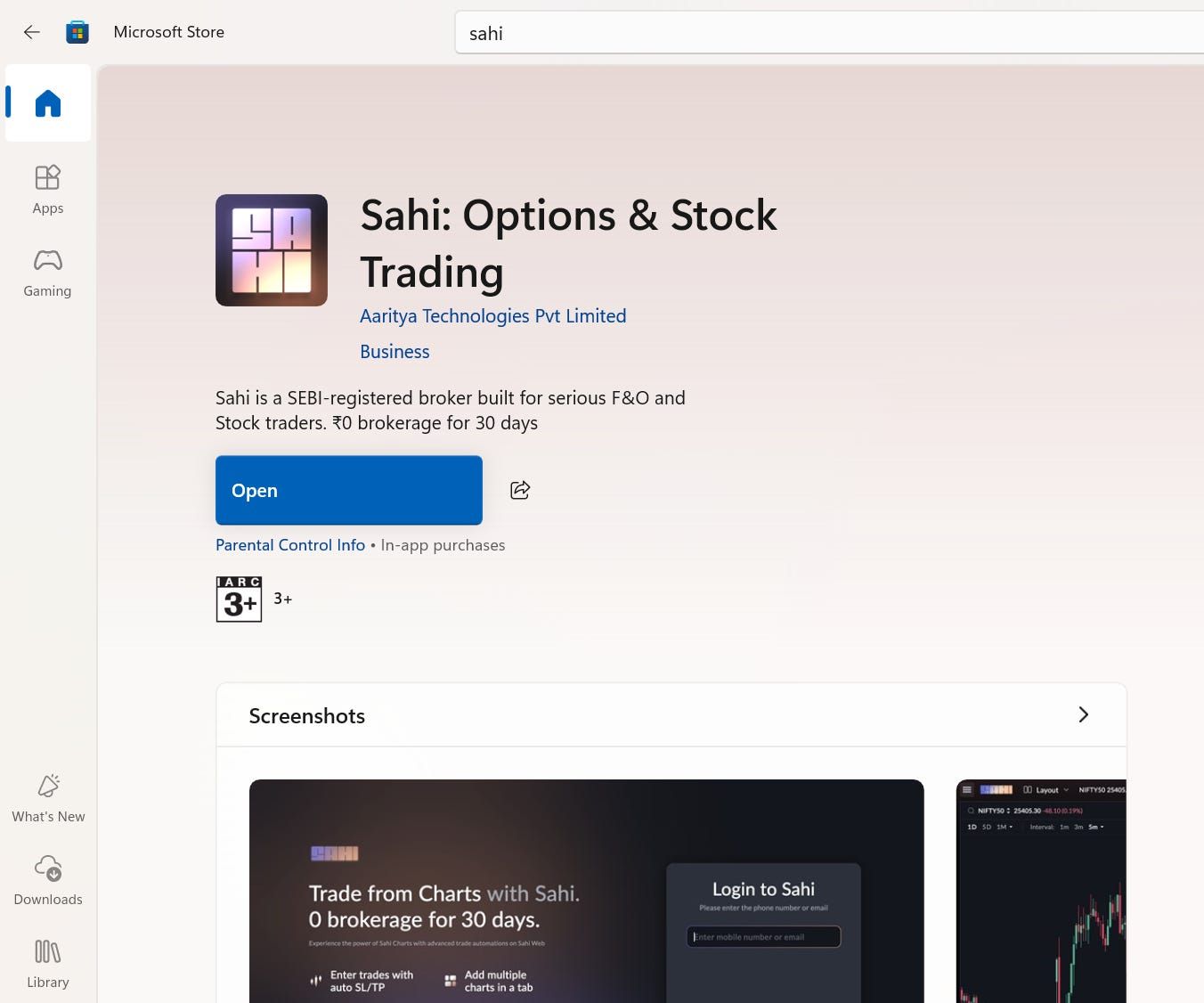
Once installed, log in with your existing Sahi account your data and preferences will be available right away.
You can continue using the mobile app or web version exactly as before. The desktop app is just another way to access Sahi when you want a larger screen or a more stationary setup.